Removing a creator ends their place in your program, stops their creator code for that program, and tells them they were removed.
This short video shows the same steps:
Before you start
Section titled “Before you start”You need the Admin or Creator Manager role for the program. A removal applies only to the program you have open.
Remove the creator
Section titled “Remove the creator”-
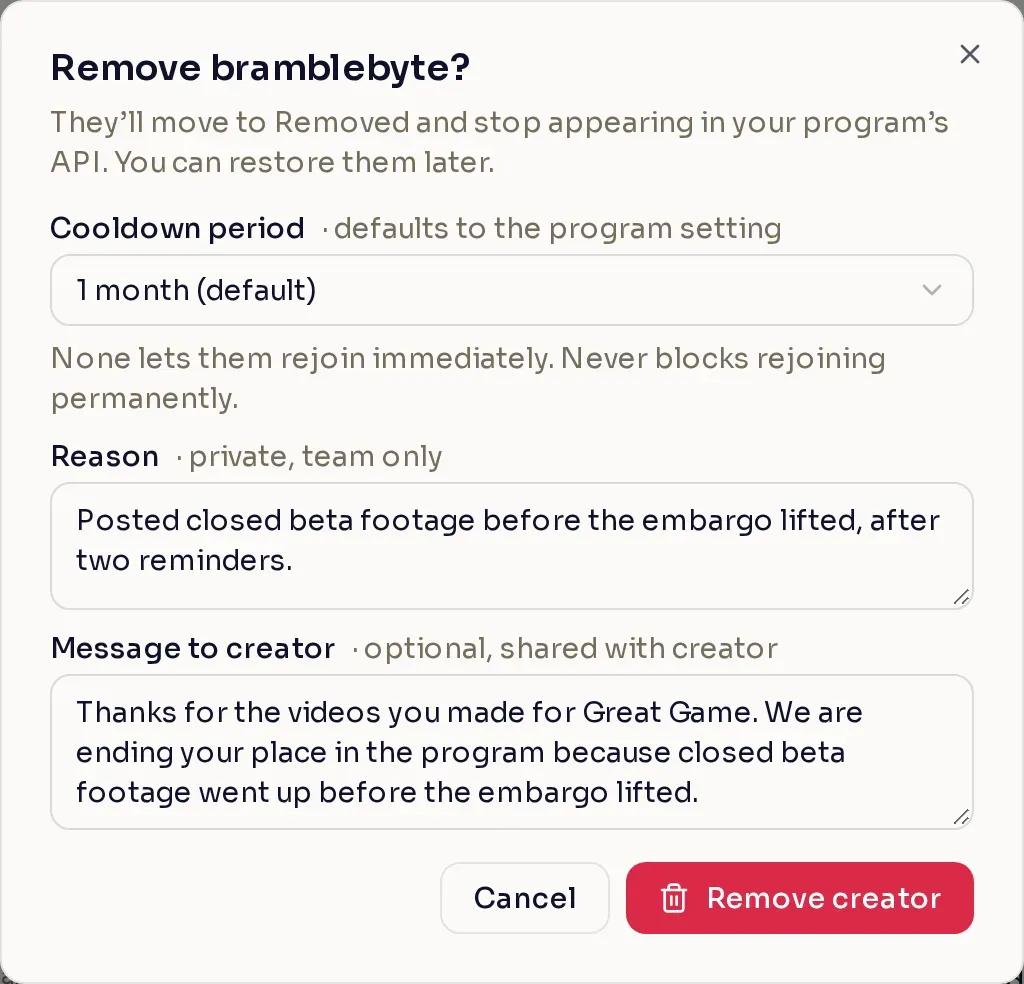
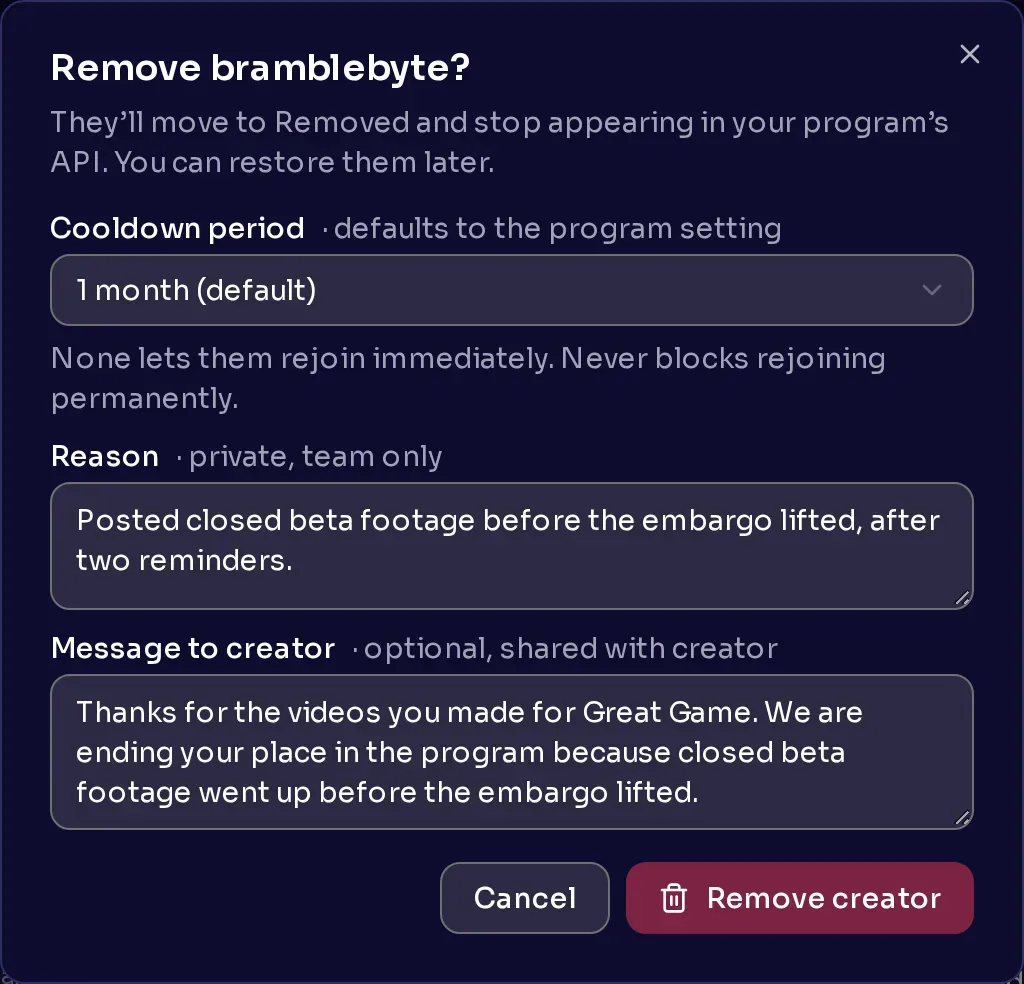
Open the remove dialog. In Creators, on the Approved tab, select the trash can on the creator’s row. Or open the creator’s page, select the three-dot menu, and select Remove creator.
-
Choose a cooldown period. It sets how long the creator must wait before they can apply to your program again. It starts on your program’s Removed creator cooldown. Choose None to let them apply again right away, or Never to stop them for good.
-
Write a reason. Only your team sees it. The creator never does.
-
Write a message to the creator (optional). The creator sees it, so write it for them.
-
Select Remove creator.
What the creator sees
Section titled “What the creator sees”Nexus emails the creator and sends them a Nexus message, under Support a Creator > Messages, saying they were removed from your program. Your message to them appears in that Nexus message, and under Reason on the Removed tab of their Programs page.
What removal changes
Section titled “What removal changes”- Their creator code stops working for new purchases in this program, and they no longer appear in your program’s API.
- Sales Nexus recorded before you removed them still count, and Nexus pays the creator for them as usual. A sale reported to Nexus after the removal does not count, even if it happened earlier.
- Keys you already sent stay with them.
- If your program uses the Discord bot, it takes away its Roles on join roles, but they stay in your server.
- Nexus adds a Removal reason note with your reason and message for your team.
Review or undo a removal
Section titled “Review or undo a removal”On the Removed tab, point at a creator’s removal date to see your message as Public reason, your reason as Private reason, and who removed them. A creator who left on their own is listed there too, with the public reason “Creator left the program from dashboard.”
To bring a creator back, select Move, then Move to approved or Move to pending. The cooldown limits only the creator applying again, not you. They come back without a tier, so set one again.