Once a campaign is live, you run it from the Accepted creators panel. There you review what creators submit, release rewards, and decide who stays in the campaign. To set up a campaign first, see Run a campaign.
Open the Accepted creators panel
Section titled “Open the Accepted creators panel”Open Campaigns and select the number in a campaign’s Accepted column, or open the row menu and select Manage accepted creators. Both appear once an Active or Complete campaign has at least one creator opted in.
The panel lists every creator who is opted in now. Creators who opted out or were removed leave the list. When the campaign takes content, you can filter the list by submission status and platform, and by reward if it sends keys on approval. Select the needs review button above the list to show only the creators waiting on you.
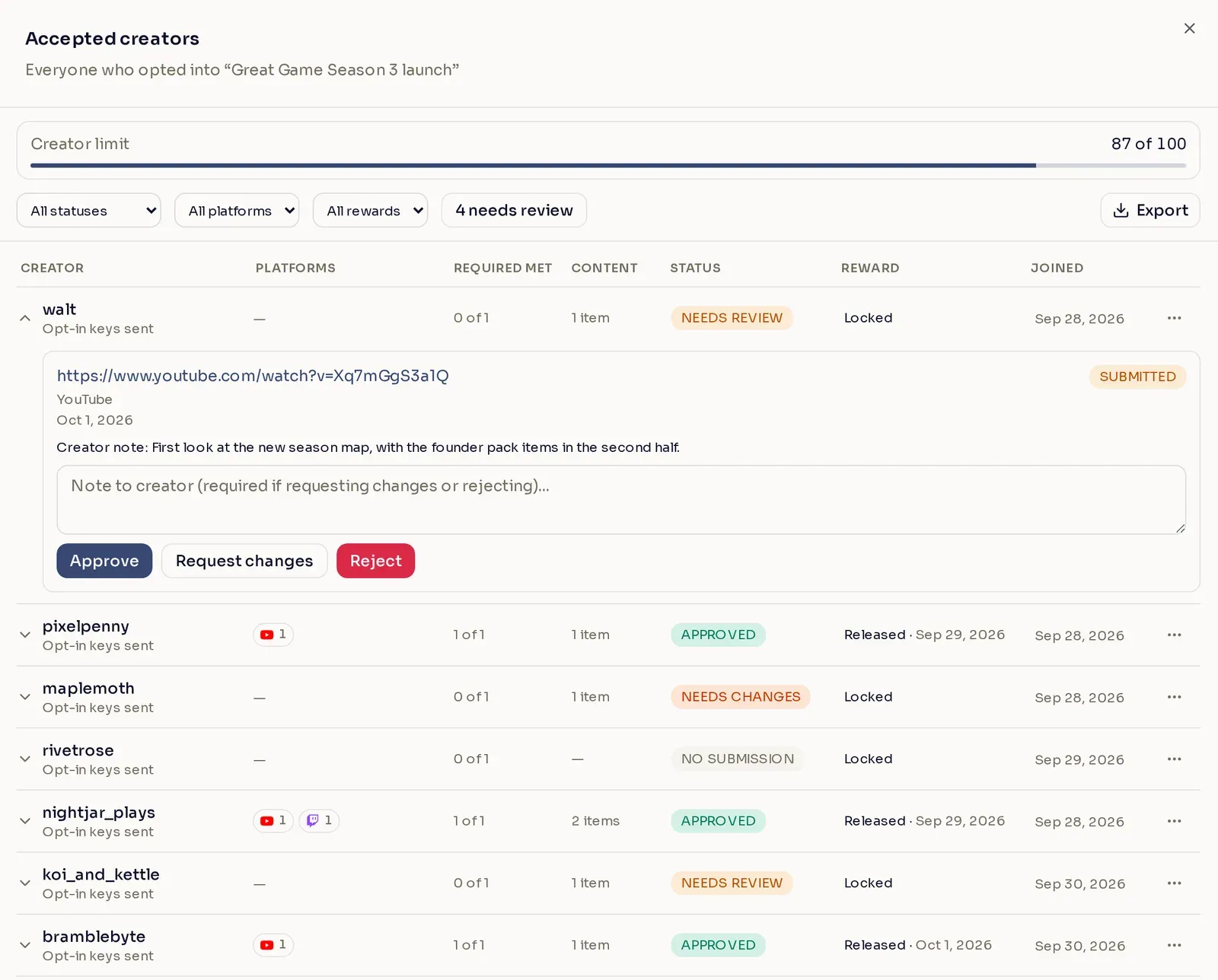
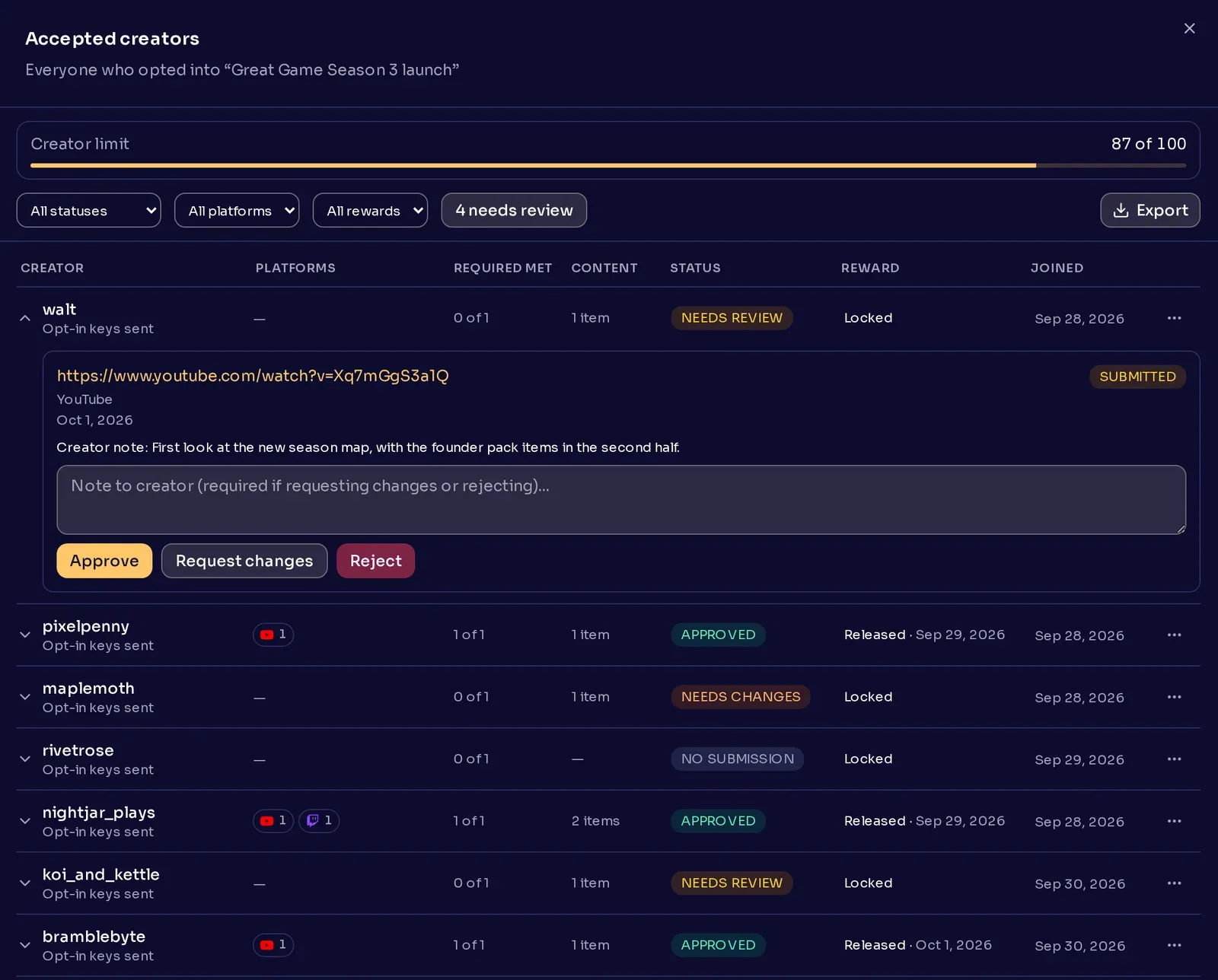
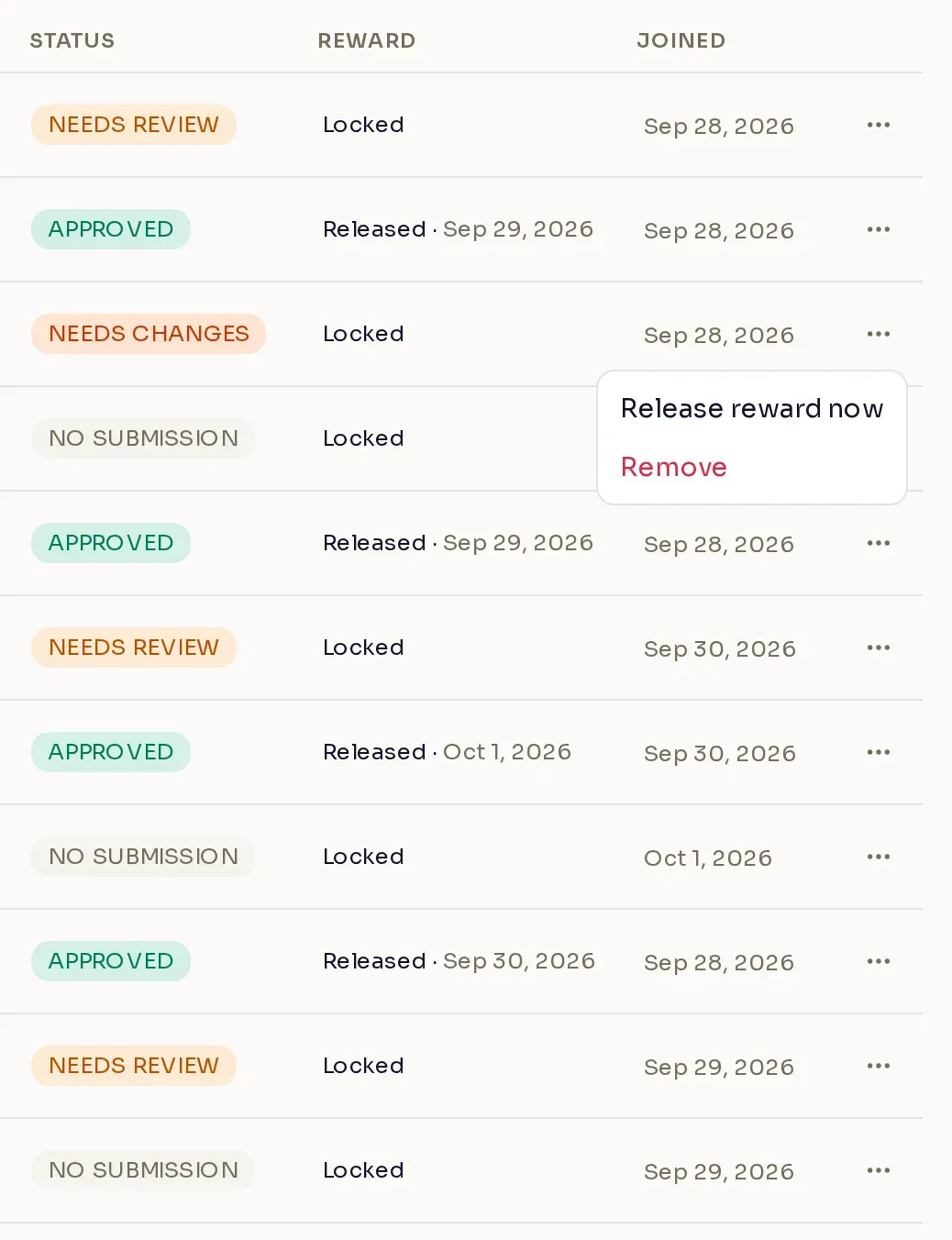
When the campaign has a key list sent on approval, the Reward column shows where each creator’s reward stands:
| Reward | What it means |
|---|---|
| Locked | The creator has not met the content requirement yet. |
| Released | Nexus sent the keys. The date shows when. |
| Pending · no keys | The creator earned the reward, but the key list ran out. Nexus sends the keys once you upload more. |
Review a submission
Section titled “Review a submission”Select a creator to see their submitted links. For each submission, choose one of three actions:
- Approve accepts the content.
- Request changes sends the content back so the creator can fix it and resubmit.
- Reject declines the content.
Note to creator is required when you request changes or reject, and optional when you approve. To reconsider a rejected submission, select Reopen.
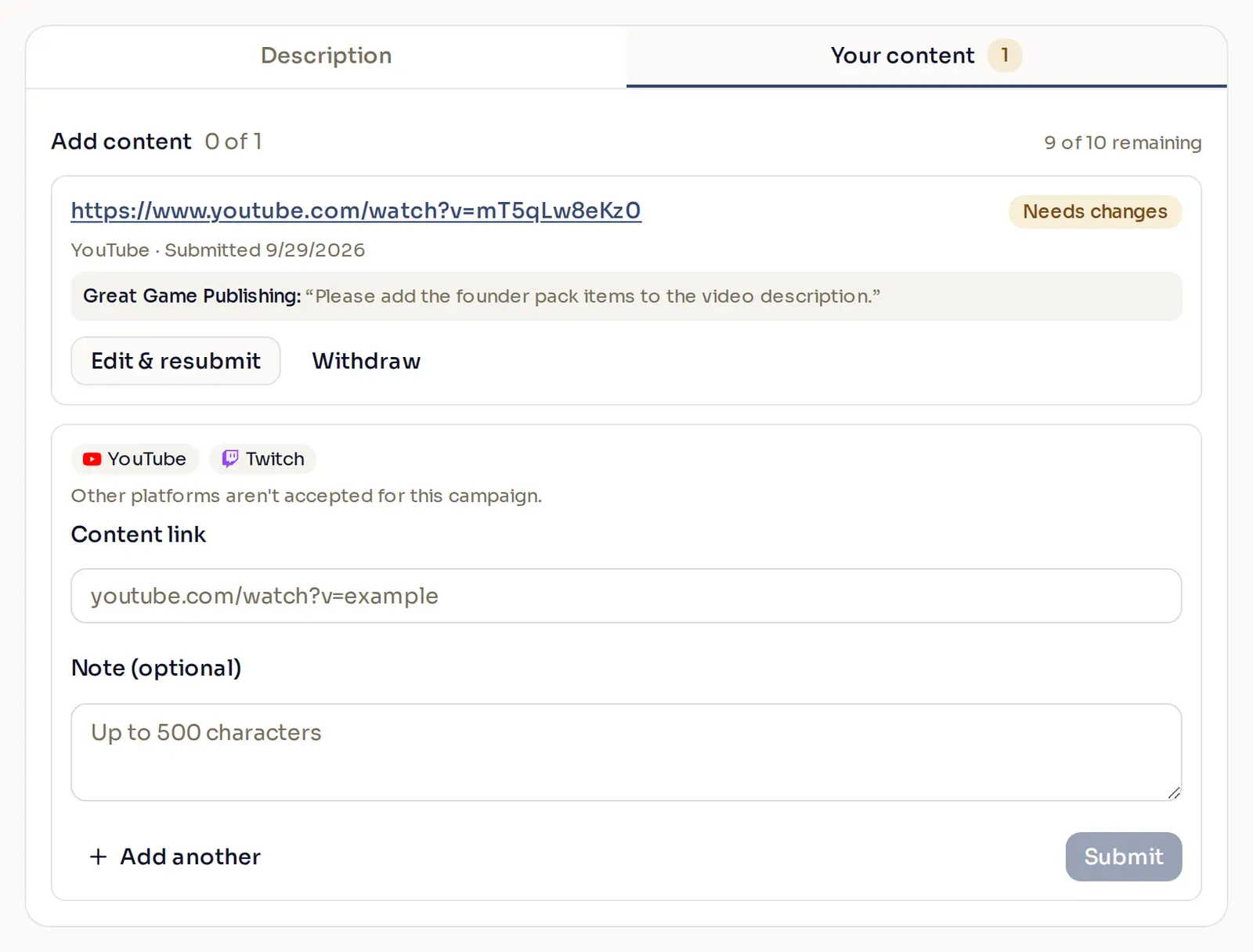
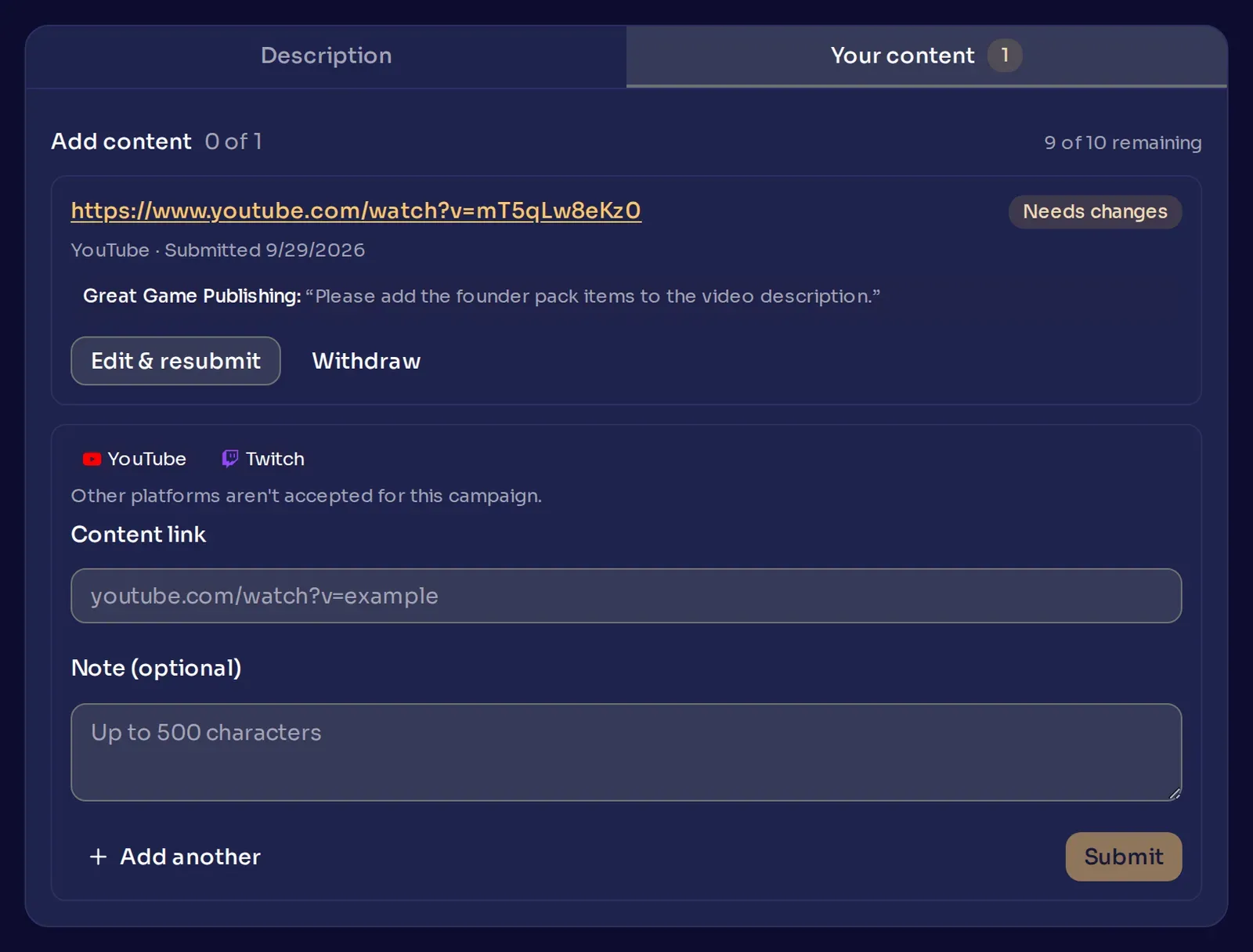
The creator hears about your decision on the same channels you chose for the campaign announcement. They also see it with your note on their campaign page, where they can edit and resubmit content you sent back:
When the creator limit fills
Section titled “When the creator limit fills”If the campaign has a creator limit, the Creator limit bar at the top of the panel shows how many spots are taken.
A creator takes a spot when they meet the content requirement:
- If you set a minimum number of posts per platform, that means every platform you gave a minimum has enough approved posts.
- Otherwise, it means they have the number of approved pieces set in Approved pieces required, or one approved piece if the campaign sends no keys on approval.
A creator counts once, however many pieces you approve. When every spot is taken, submission and approval close for the whole campaign, and Approve becomes unavailable. Creators can still opt in, and they still receive keys sent on opt-in.
A spot opens again when you edit the campaign to raise the limit, or when an accepted creator is removed or opts out.
Release a reward early
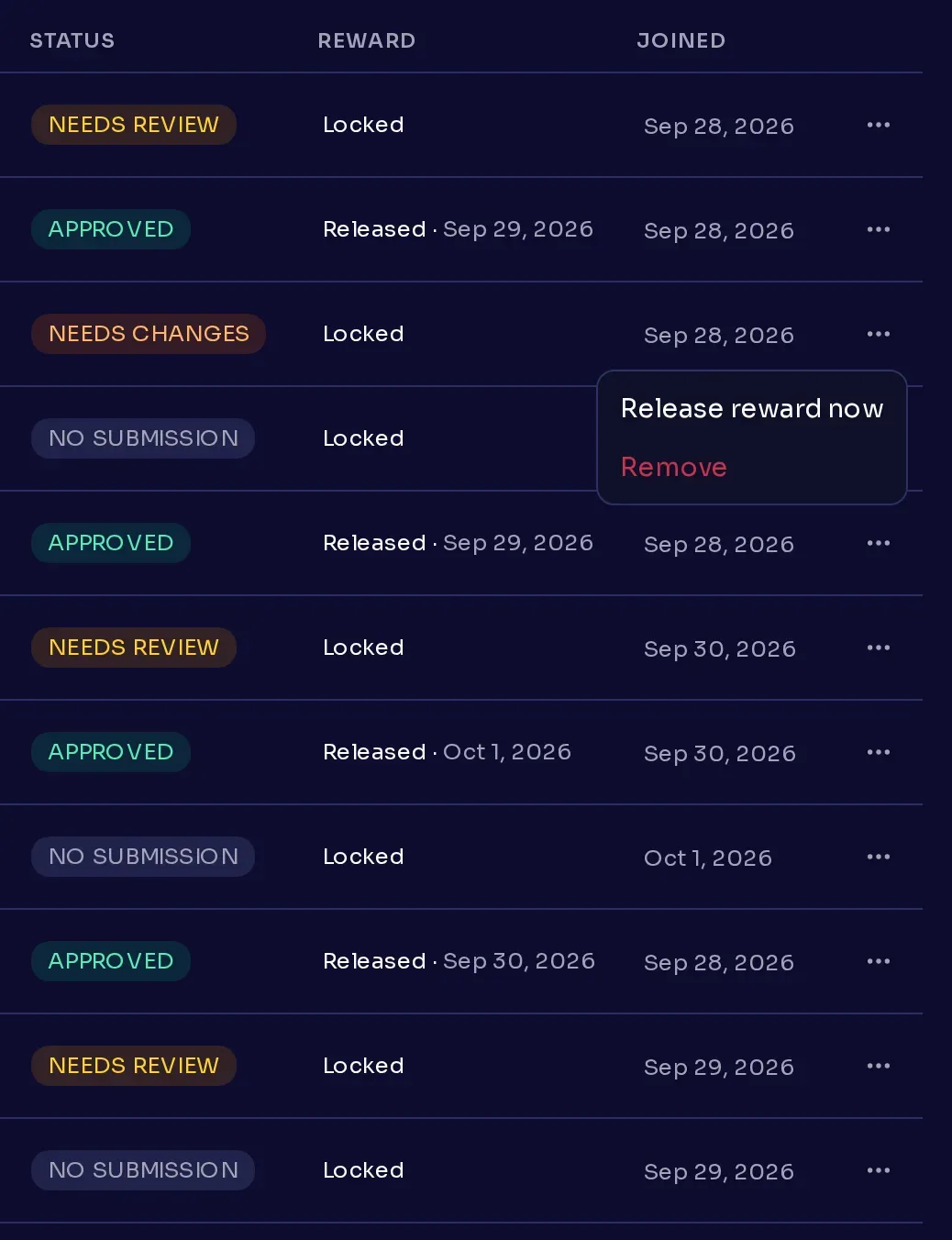
Section titled “Release a reward early”Sometimes you want to reward a creator before they meet the content requirement. They might not have submitted yet, or they posted somewhere the campaign does not officially accept. You can release the reward now and send it to them right away, without waiting for their content to be approved. Open their row menu and select Release reward now, and Nexus sends them the keys from the campaign’s key lists sent on approval. The option appears when the campaign sends keys on approval and the creator’s reward is still locked.
Remove a creator
Section titled “Remove a creator”Open the creator’s row menu and select Remove. Removing a creator:
- rejects their pending and approved content
- cancels rewards still waiting to be sent
- removes the tags the campaign assigned them
- frees their spot in the creator limit
- clears their accepted agreements
The creator gets a notice that they were removed, on the campaign’s announcement channels. Keys they already received stay with them.
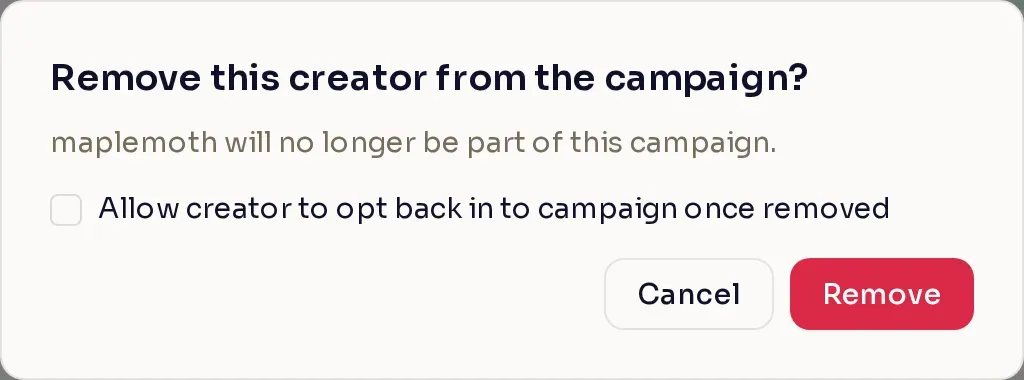
If you might want the creator back later, tick Allow creator to opt back in to campaign once removed. The option is there while the campaign is Active and its opt-in window is open. A creator removed this way can opt in again by accepting your agreements again. Without it, they cannot rejoin the campaign.
When a creator opts out
Section titled “When a creator opts out”Creators can leave a campaign on their own while it runs. When a creator opts out:
- content still in review is rejected
- approved content is withdrawn
- rewards still waiting are canceled
- the campaign’s tags are removed
Keys they already received stay with them. They can opt back in later by accepting your agreements again.
Export the list
Section titled “Export the list”Select Export to download a CSV of the creators who are opted in now. Creators who opted out or were removed are not in it. With filters applied, the file holds only the creators the list shows. Each piece of content is its own line, with the creator’s columns repeated on it, and carries the creator’s note from submission and your note from review. Each creator’s content columns list only the content those filters select; Required met still counts all of their content.