This guide gets you ready to call Nexus APIs from your app or scripts. Create or find your keys, keep secrets off the client, and verify everything with runnable examples.
What you will do
Section titled “What you will do”- Sign in to the Nexus dashboard
- Create a program-scoped Public key and Private key in Sandbox
- Save keys in environment variables
- Validate a creator code with your Public key
- Post a test attribution with your Private key
Keys at a glance
Section titled “Keys at a glance”Use program-scoped keys by default. They implicitly target a single creator program group, which means you do not need to pass a groupId on each request and you avoid cross-program mistakes.
- Public key: client-side only for safe reads like creator code validation. Treat it as sensitive.
- Private key: server-side only for writes like posting attributions after a purchase. Never ship this to a client.
Global keys exist but are rarely needed. If you choose a global key you must pass the
groupIdon each request. See if you must use a global key.
Find or create your keys
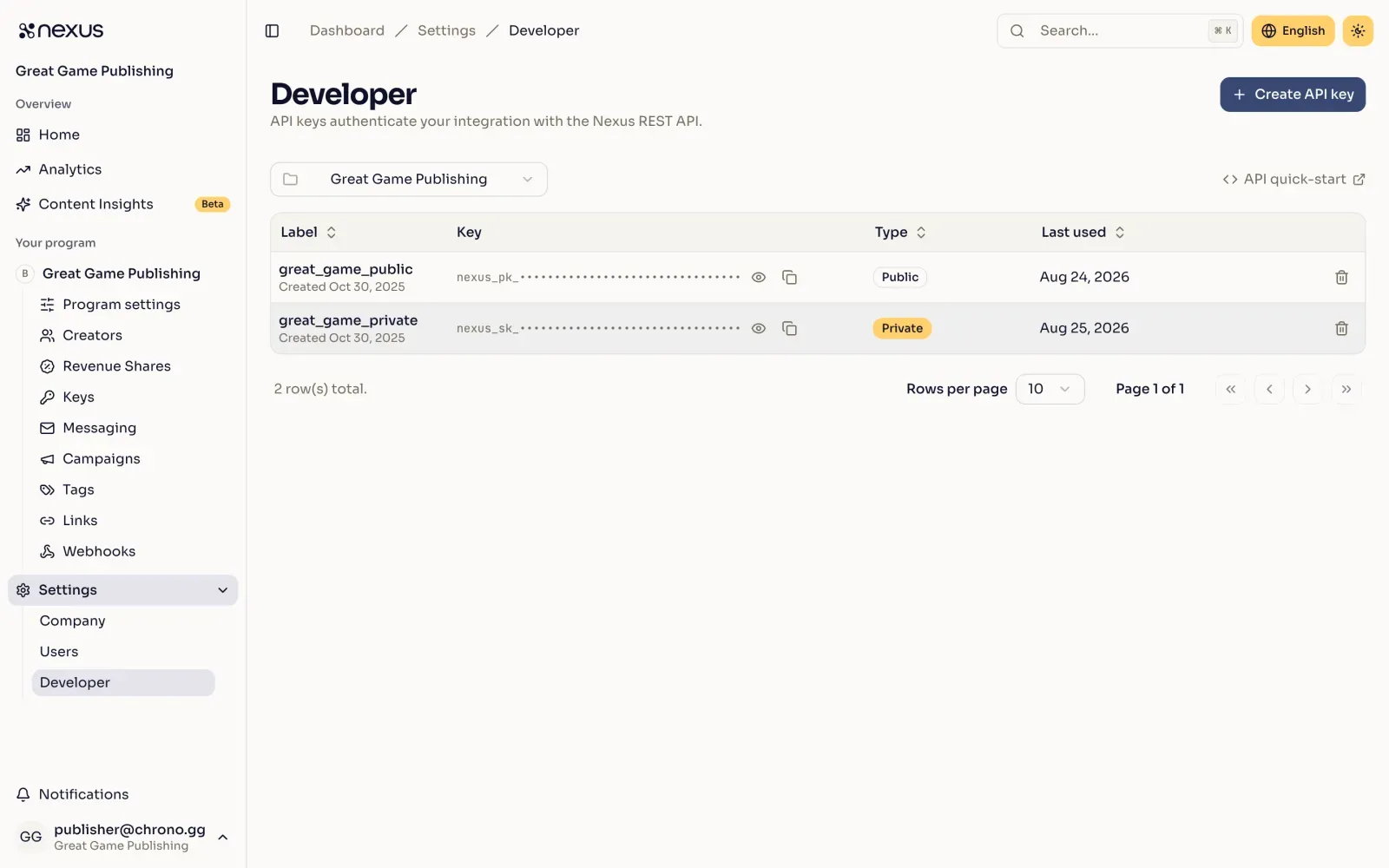
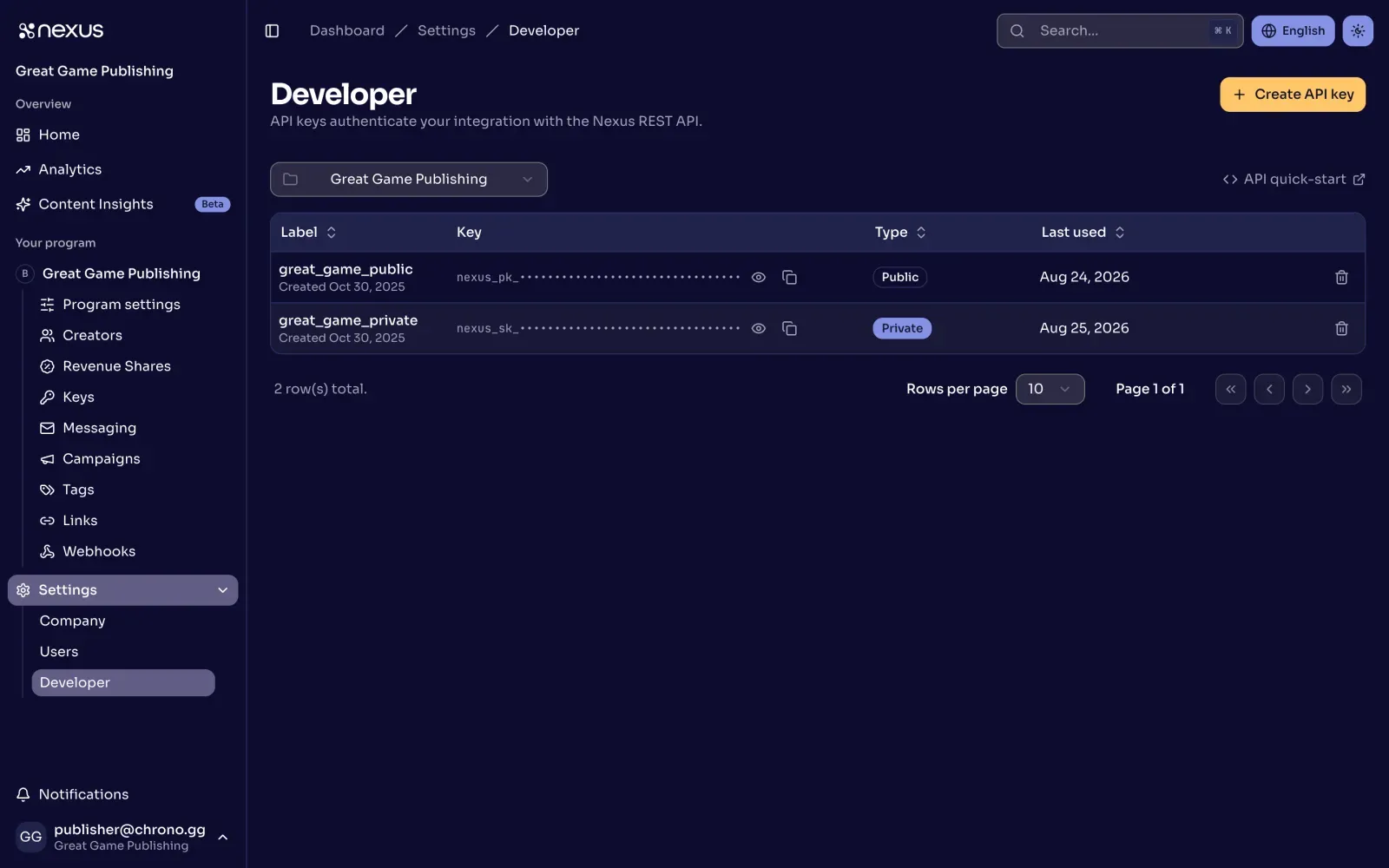
Section titled “Find or create your keys”- Sign in to https://www.nexus.gg/publisher/dashboard
- Open Settings, then Developer
- In the scope selector at the top of the table, choose your program. Leave it on Global only if you need a key that works across every program
- Select Create API key, or copy an existing key with the copy action on its row
- Repeat in Sandbox and Production
Record the following:
- A Public key for client-side validation
- A Private key for server-side attribution posts
Environments
Section titled “Environments”- Sandbox for test data:
https://api.nexus-dev.gg - Production for live data:
https://api.nexus.gg
Keys are separate per environment. Rotate keys on a schedule or when people leave the team.
Store secrets with environment variables
Section titled “Store secrets with environment variables”Keep keys out of source control. For Node, create a .env file for local use and a secret store in your deployment platform.
NEXUS_BASE_URL=https://api.nexus.gg/v1NEXUS_PUBLIC_KEY=nexus_pk_your_key_hereNEXUS_PRIVATE_KEY=nexus_sk_your_key_hereStep 1: validate a creator code
Section titled “Step 1: validate a creator code”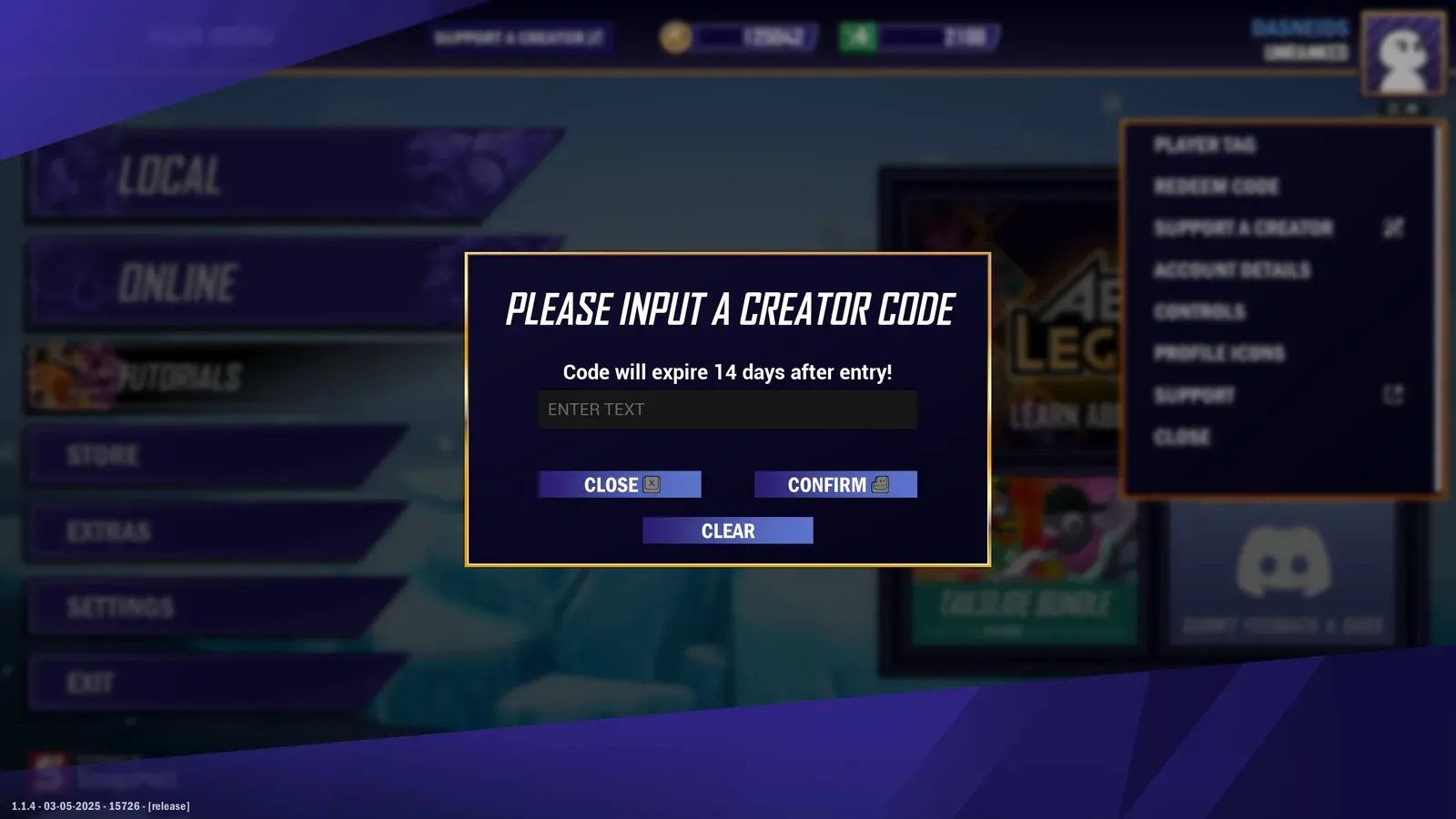
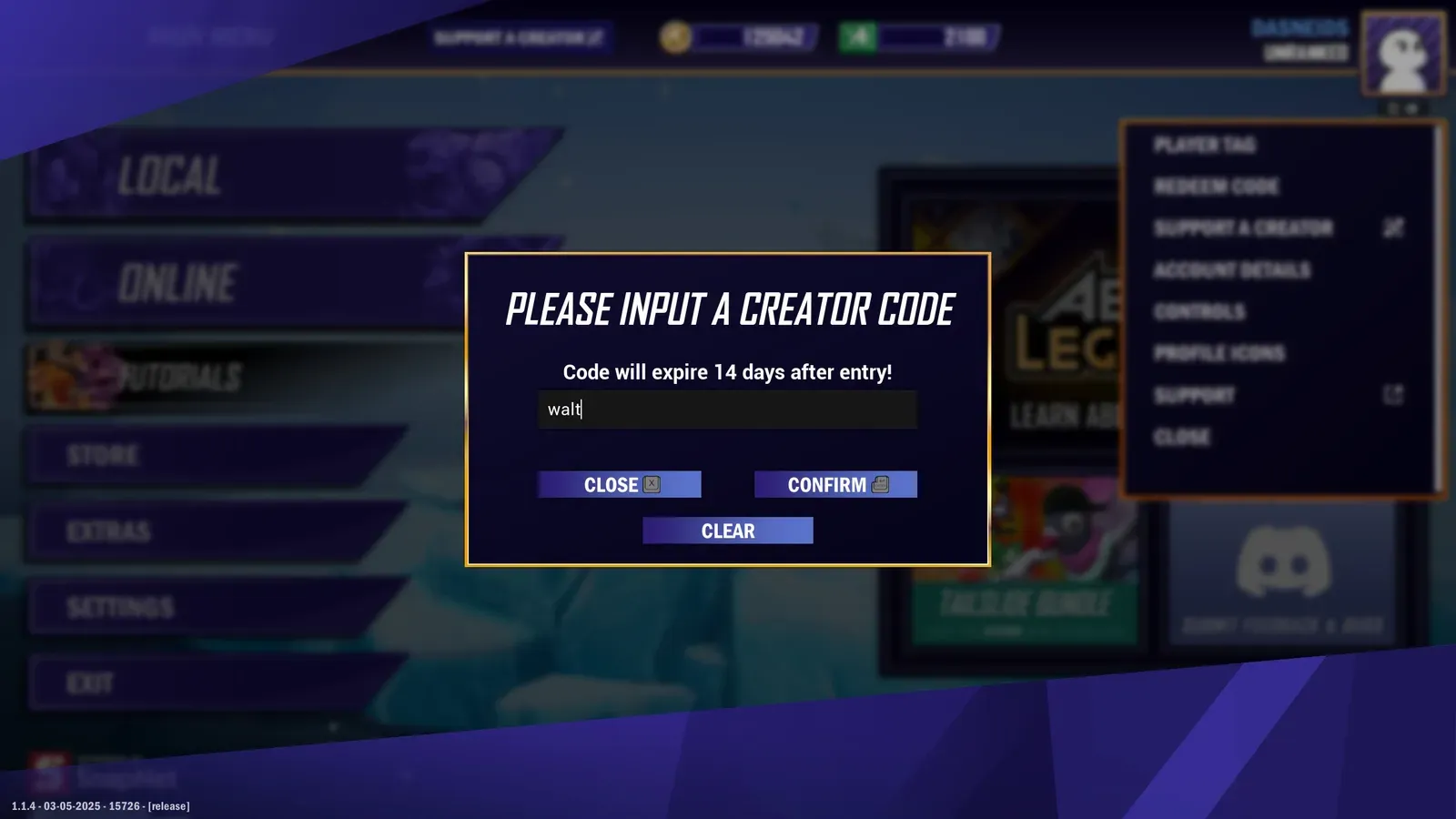
Validate a creator code with your program-scoped Public key. No groupId needed.
/manage/memberscurl -G "https://api.nexus.gg/v1/manage/members" \ -H "X-SHARED-SECRET: nexus_pk_your_key_here" \ --data-urlencode "code=walt"async function validateCreatorCode(code) { const url = new URL(`${process.env.NEXUS_BASE_URL}/manage/members`); url.searchParams.set('code', code);
const res = await fetch(url, { headers: { 'X-SHARED-SECRET': process.env.NEXUS_PUBLIC_KEY } });
if (!res.ok) throw new Error(`Validation failed with ${res.status}`); return res.json();}
validateCreatorCode('walt') .then(data => console.log('Valid:', data)) .catch(err => console.error('Invalid:', err.message));If the code belongs to your program, the status should be 200 OK with a single member record. The JSON response body looks something like this:
{ "groupId": "2ixlNNFdJh-9scoXek80w", "groupName": "Creator Loop", "groupDefaultRevShare": 10, "id": "Hv98bvRCSm1jDDPhls1qC", "name": "turndownforwalt", "logoImage": "https://cdn.nexus.gg/FzVN5qcpr8s8irlokp/iQJWVLokKREqYXPxkO/images/logo-image.jpg", "tier": { "id": "M9cgAXgP3DqyuZcoszkeE", "name": "Tier 2", "revShare": 15 }, "codes": [ { "code": "walt", "isPrimary": true, "isGenerated": false, "isManaged": false } ]}{ "code": "CodeNotInGroup", "message": "Member not found for groupId 2ixlNNFdJh-9scoXek80w: notacreator."}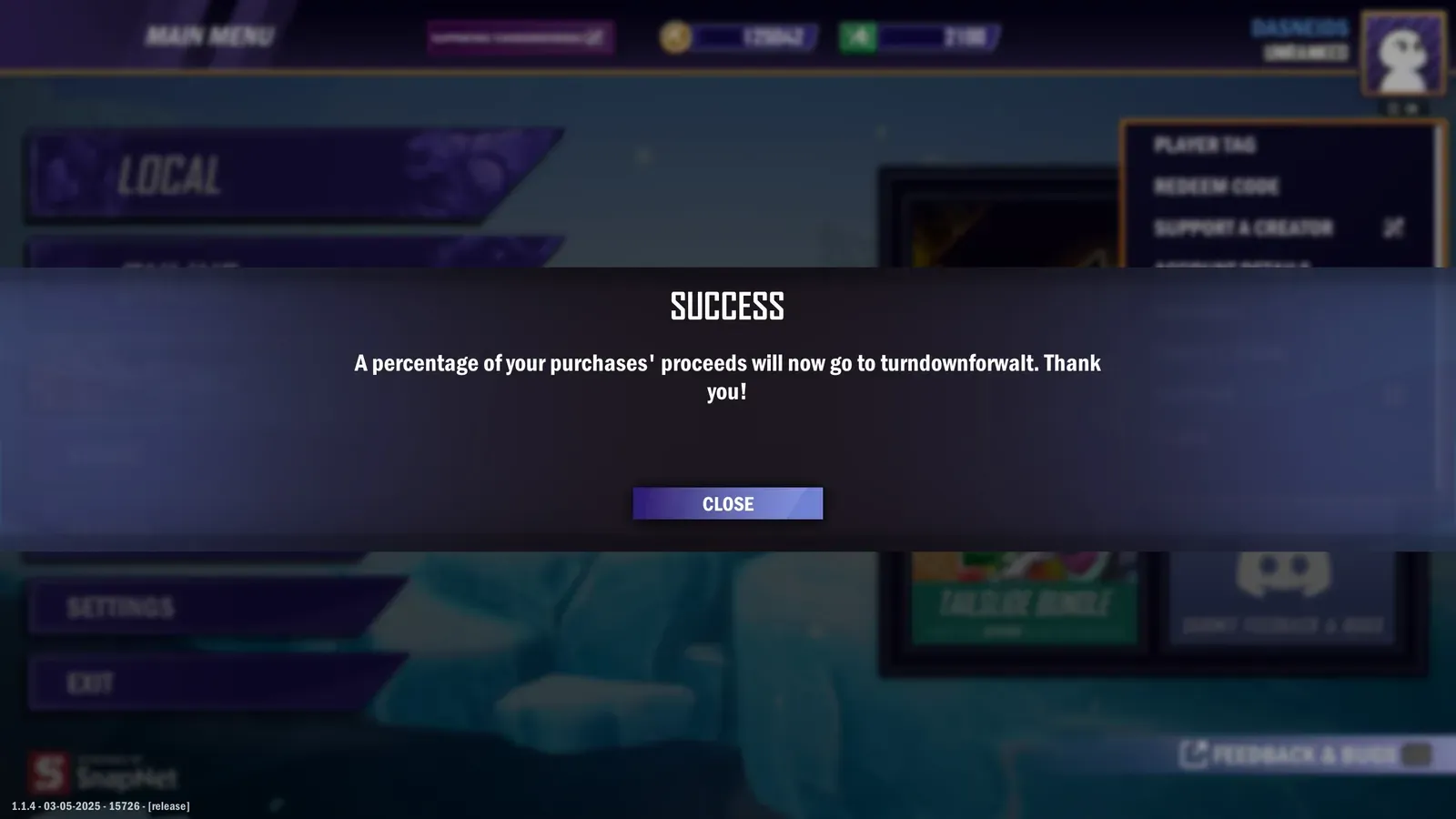
Step 2: attribute the purchase to the creator
Section titled “Step 2: attribute the purchase to the creator”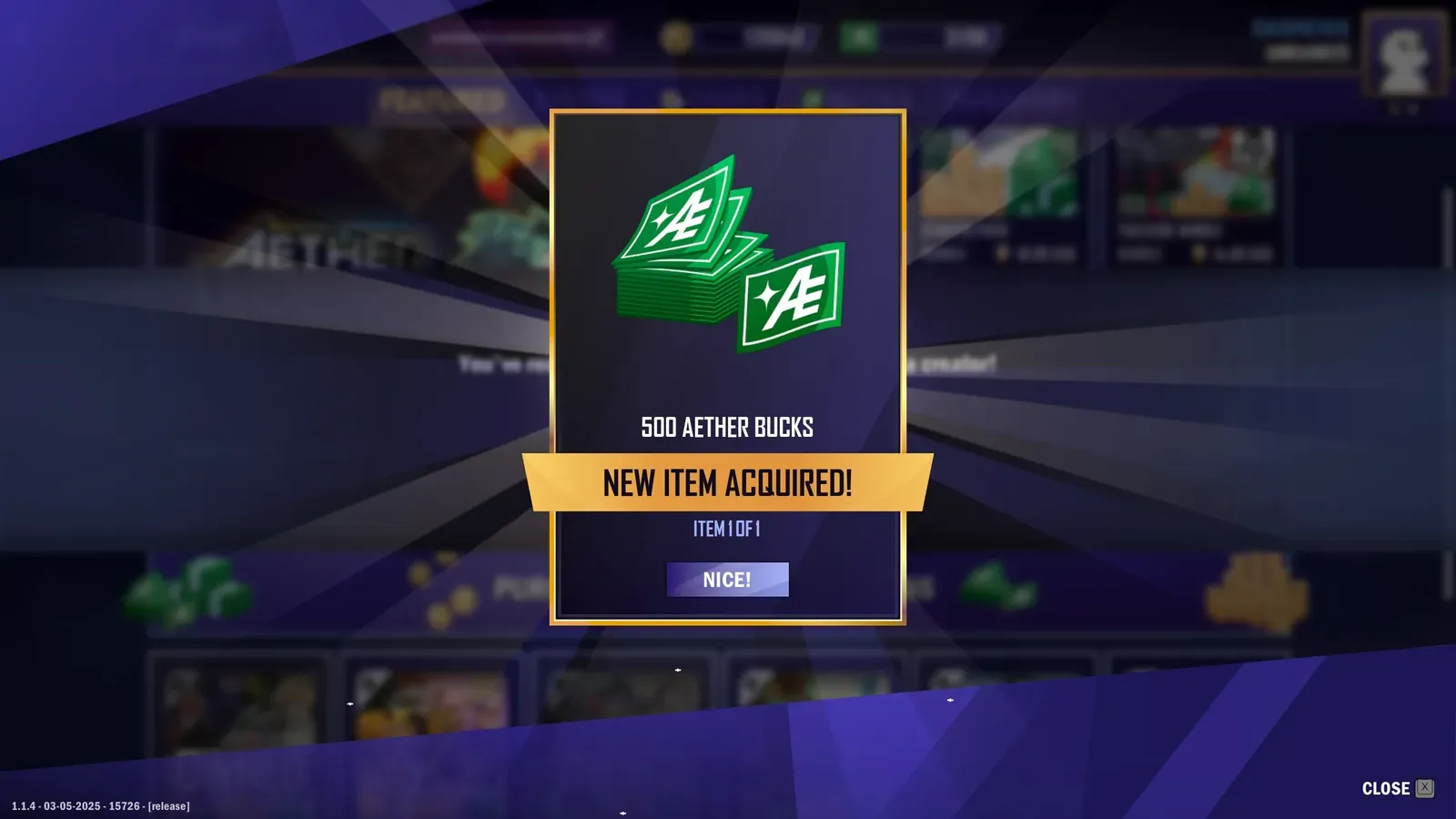
Post an attribution after purchase with your program-scoped Private key from your server.
/attributions/transactionscurl -X POST "$NEXUS_BASE_URL/attributions/transactions" \ -H "Content-Type: application/json" \ -H "X-SHARED-SECRET: $NEXUS_PRIVATE_KEY" \ -d '{ "code": "walt", "subtotal": 499, "currency": "USD", "description": "500 Aether Bucks", "skuId": "500_Aether_Bucks", "transactionId": "71e09e4a-ea48-4cdc-acd4-092f37861731", "transactionDate": "2025-03-13T17:32:28Z", "playerId": "6f10c7f4-psd-123", "metrics": { "joinDate": "2017-07-22T17:32:28Z", "conversion": { "lastPurchase": { "date": "2025-07-22T17:32:28Z", "platform": "Android" }, "totalSpendToDate": { "total": 12999, "currency": "USD" } } } }'async function postAttribution(payload) { const res = await fetch(`${process.env.NEXUS_BASE_URL}/attributions/transactions`, { method: 'POST', headers: { 'Content-Type': 'application/json', 'X-SHARED-SECRET': process.env.NEXUS_PRIVATE_KEY }, body: JSON.stringify(payload) });
if (!res.ok) { const text = await res.text(); throw new Error(`Attribution failed: ${res.status} ${text}`); } return res.json();}
postAttribution({ code: "walt", subtotal: 499, currency: "USD", description: "500 Aether Bucks", skuId: "500_Aether_Bucks", transactionId: "71e09e4a-ea48-4cdc-acd4-092f37861731", transactionDate: "2025-03-13T17:32:28Z", playerId: "6f10c7f4-psd-123", metrics: { joinDate: "2017-07-22T17:32:28Z", conversion: { lastPurchaseDate: { date: "2025-01-22T17:32:28Z", platform: "Android" }, totalSpendToDate: { total: 12999, currency: "USD" } } }}) .then(data => console.log("Attributed:", data)) .catch(err => console.error(err));The status should be 200 OK with a JSON response body that looks something like this:
{ "transaction": { "creatorPaid": false, "currency": "USD", "description": "500 Aether Bucks", "skuId": "500_Aether_Bucks", "id": "PwezzrD9LbqPEF6pOm0mC", "memberId": "oleyE4Z6zwN07YnytKuw2", "playerId": "", "playerName": "", "platform": null, "subtotal": 499, "total": 499, "totalCurrency": "USD", "transactionDate": "2025-03-13T17:32:28Z", "transactionId": "71e09e4a-ea48-4cdc-acd4-092f37861731", "transactionStatus": "Normal", "metrics": null, "code": "walt" }}{ "status": 400, "errors": [ { "instancePath": "", "schemaPath": "#/oneOf/0/required", "keyword": "required", "params": { "missingProperty": "transactionId" }, "message": "must have required property 'transactionId'" } ... ]}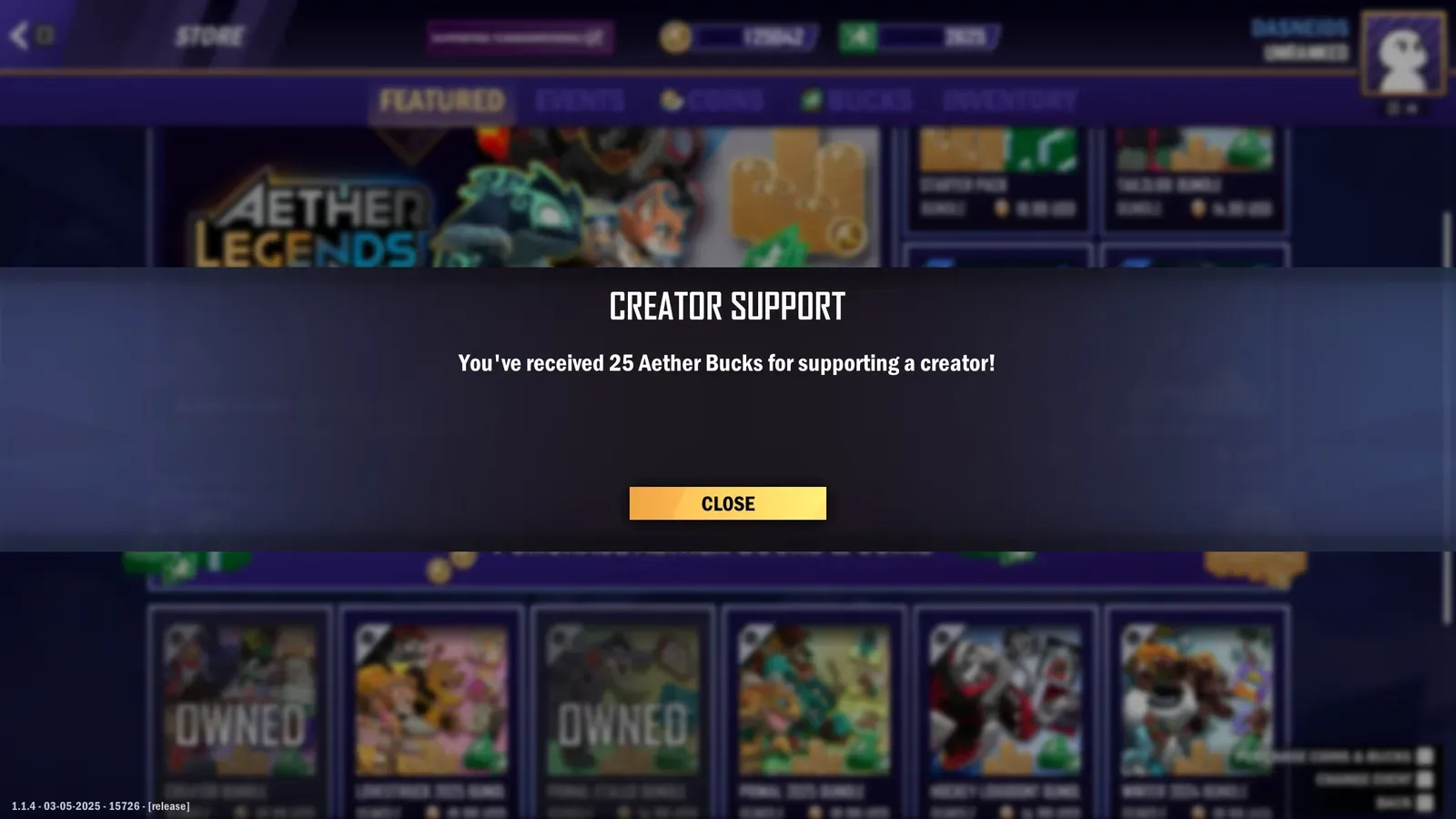
Client versus server
Section titled “Client versus server”- Client: validate a creator code before purchase using the Public key.
- Server: create attributions after purchase using the Private key. Include your internal order id in
transactionIdfor reconciliation.
Team and local tips
Section titled “Team and local tips”- Separate
.envfiles per environment - Basic retries for server calls
- Log request ids and
transactionIdfor support - Keep one spare key per environment to make rotation easy
Common gotchas
Section titled “Common gotchas”- Posting attributions from a client: always post from your backend.
- Using a list route to find a single member: pass the creator code to get a single record.
If you must use a global key
Section titled “If you must use a global key”Global keys require a groupId on every request; omitting it is a common mistake.
curl with a global Public key
Section titled “curl with a global Public key”curl -G "$NEXUS_BASE_URL/manage/members" \ -H "X-SHARED-SECRET: $NEXUS_PUBLIC_KEY_GLOBAL" \ --data-urlencode "code=NEXUSCREATORCODE" \ --data-urlencode "groupId=ZhyoQskfRpO7J5c1g3"curl with a global Private key
Section titled “curl with a global Private key”curl -X POST "$NEXUS_BASE_URL/attributions/transactions?groupId=ZhyoQskfRpO7J5c1g3" \ -H "Content-Type: application/json" \ -H "X-SHARED-SECRET: $NEXUS_PRIVATE_KEY_GLOBAL" \ -d '{ "code": "NEXUSCREATORCODE", "subtotal": 199, "currency": "USD", "description": "bundle_100_gems", "transactionId": "order-123", "transactionDate": "2025-10-16T13:01:44.000Z", "playerId": "6f10c7f4-psd-123", "metrics": { "joinDate": "2017-07-22T17:32:28Z", "conversion": { "lastPurchaseDate": "2025-01-22T17:32:28Z", "totalSpendToDate": { "total": 12999, "currency": "USD" } } } }'